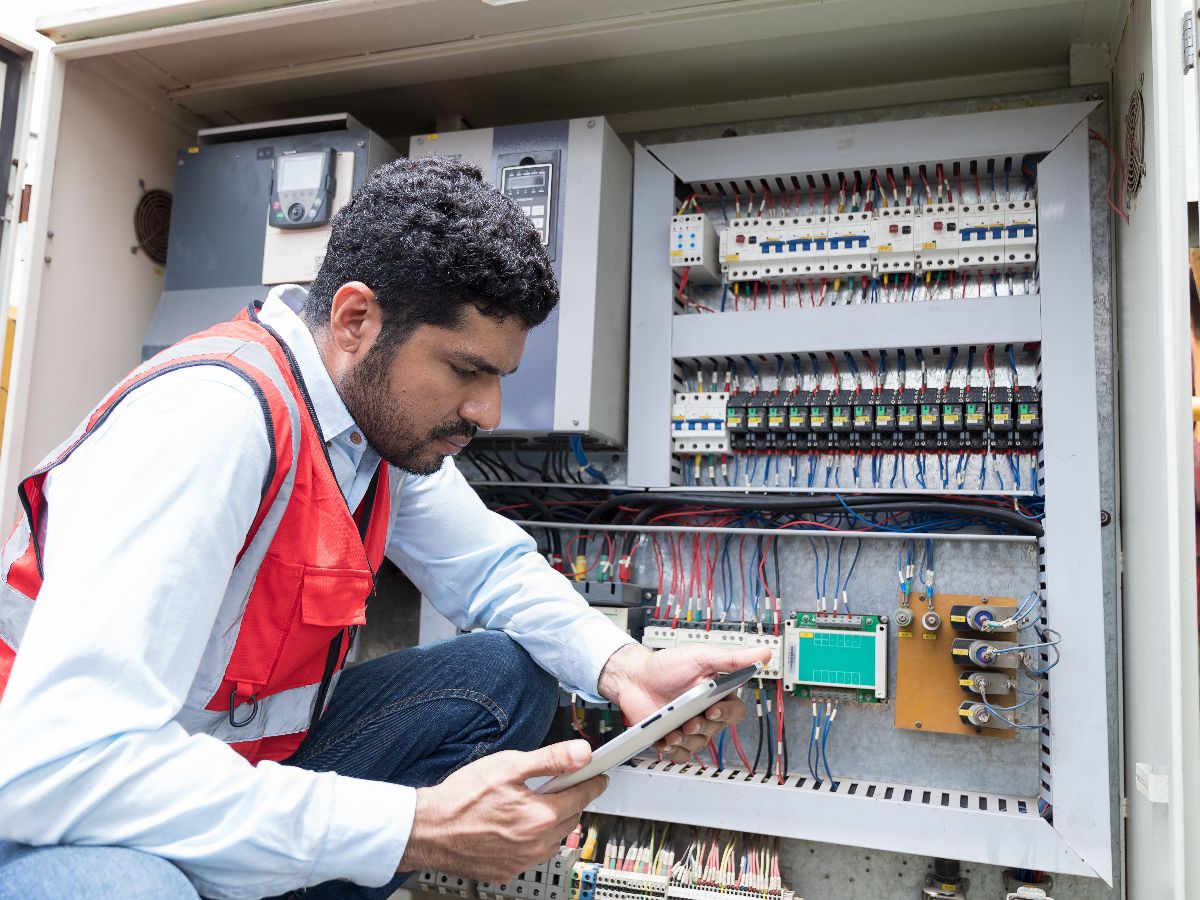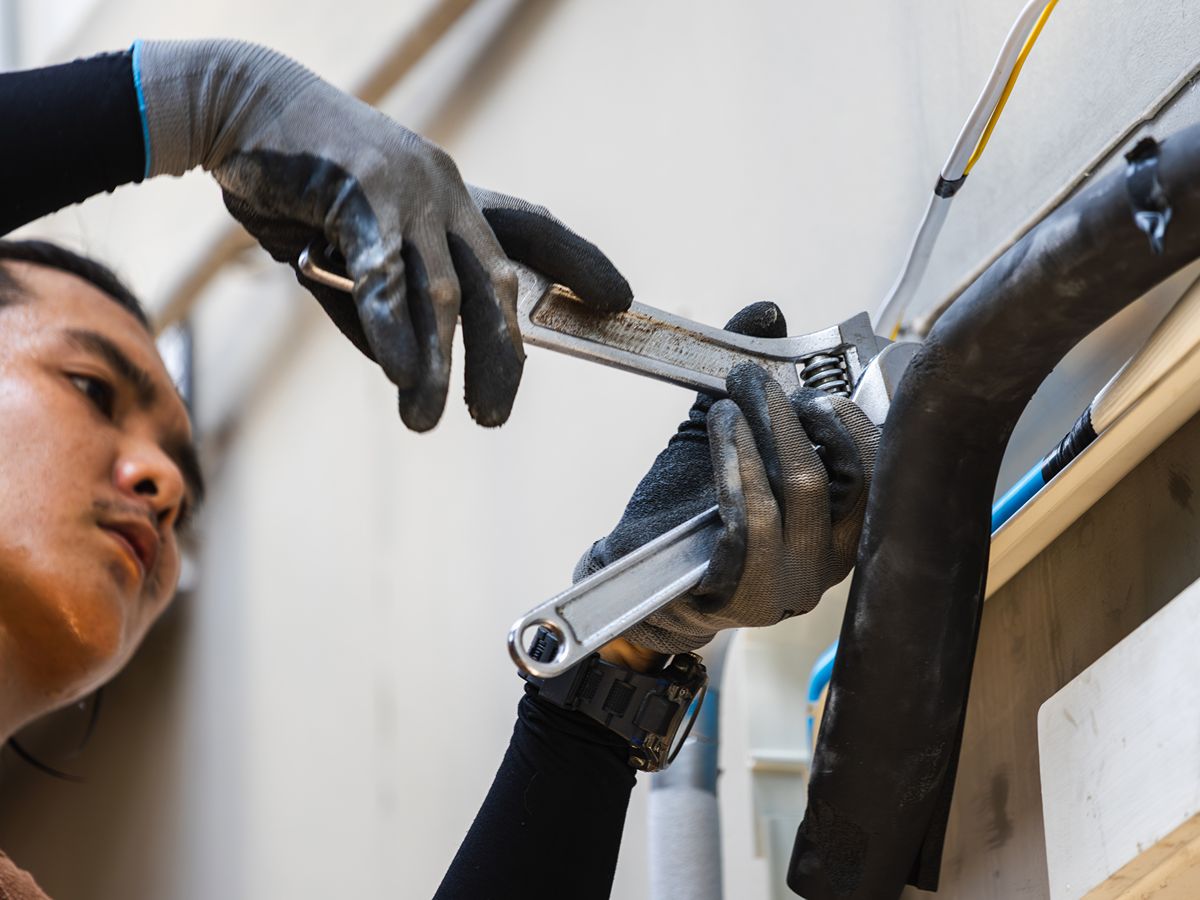
Job cost overruns in field service occur when work changes faster than your team can keep up with. A missed labor update, unapproved return trip, incomplete work order, or delayed part can turn a profitable service job into a project overrun before the office sees the problem.
For commercial contractors, the issue usually isn’t one major mistake. Cost overrun problems often build through small gaps between the field, office, customer, and budget.Dataforma provides a connected solution that helps teams close those gaps and maintain better visibility into labor, job activity, and costs.
Field Service Jobs Move Too Fast For Loose Tracking
Field service work changes throughout the day. A technician may find extra damage, need another part, spend longer on diagnosis, or add a return visit. If the office doesn’t capture those changes quickly, your numbers fall behind the actual job.
A field service organization needs job cost visibility while work is still active. Waiting until the invoice stage gives you less room to correct labor drift, scope creep, or missing documentation.
Labor Drift Creates Hidden Cost Overrun Problems
Labor often creates the first sign of a cost overrun. A job that should take two hours may take four. A return visit may get scheduled without updating the budget. A technician may spend time waiting for access, parts, or customer approval.
Those hours matter because they reduce available capacity for the rest of the schedule. They also make it harder to compare estimated labor against actual labor.
- Unplanned Return Visits
- Longer Diagnostic Time
- Waiting For Access Or Approval
- Overtime From Schedule Compression
- Work Assigned To The Wrong Skill Set
- Notes Entered After The Job Is Finished
Scope Changes Need A Clear Approval Path
Small scope changes can create large budget problems when no one records or approves them. A technician may identify extra work in the field, but the office needs a clear process to document the change, communicate it to the customer, and update the job cost.
Without that process, you may complete the work but struggle to bill for it. You may also lose track of why the final cost moved beyond the original estimate.
Poor Work Order Detail Leads To Rework
A work order should give the technician enough information to complete the job correctly the first time. Missing site history, unclear instructions, poor photos, or incomplete customer notes can push the technician into guesswork.
Rework creates direct cost pressure. It adds labor, travel, parts handling, and office follow-up. It can also delay other jobs that already have committed time on the schedule.
- Incomplete Site History
- Missing Photos Or Documents
- Unclear Work Scope
- Wrong Contact Information
- Unconfirmed Access Details
- Missing Prior Service Notes
Materials & Parts Can Break The Budget
Field service budget management gets harder when parts and materials don’t connect cleanly to the job. A technician may use stock from the vehicle, request a special order, or identify a part after the first visit. If that information stays outside the system, the job cost won’t reflect the real expense.
You need a clean connection between the work order and the materials used. That helps the office understand cost, schedule follow-up work, and invoice with better accuracy.
Construction Cost Overruns Often Start With Field Decisions
Construction cost overruns don’t only happen on large projects. Service work can create the same problem at a smaller scale when the field makes decisions faster than the budget updates.
That matters for HVAC, electrical, plumbing, roofing, and other service contractors. A field decision may make sense operationally, but you still need the budget to show what changed, who approved it, and how it affects the final cost.
Field Updates Help You Catch Overruns Earlier
Field service management software helps you spot cost risk before the job closes. When technicians update labor, notes, photos, parts, and job status from the field, the office can see problems while there’s still time to act.
That visibility helps your team make better daily decisions. You can adjust the schedule, request approval, flag a follow-up, or review the budget before the job quietly turns unprofitable.
Budget Visibility Should Follow The Job From Start To Finish
A service job may start with an estimate, move through dispatch, change in the field, and end with invoicing. If those steps live in separate systems, your team may not see the full cost picture until too late.
Construction project management software and field service tools should help your team connect planned work with actual work. That connection gives managers a clearer view of the job while it’s still moving.
- Estimated Labor Vs Actual Labor
- Approved Scope Vs Added Work
- Scheduled Visits Vs Return Trips
- Planned Materials Vs Used Materials
- Open Follow-Ups Vs Closed Work
- Budgeted Cost Vs Current Cost
Reporting Turns Cost Problems Into Management Decisions
Reports should help you find patterns, not just total up losses after the fact. If the same job type, customer, technician group, or service category keeps producing overruns, you need to know why.
Good reporting helps you separate bad estimates from workflow issues. You may need better work order detail, stronger approval rules, clearer parts tracking, or tighter dispatch decisions.
Preventing Overruns Takes A Connected Process
You prevent field service overruns by tightening the points where cost information usually gets lost. Labor, scope, parts, approvals, and follow-up work need to move through one clear process.
Dataforma gives commercial contractors a connected way to manage service work, field updates, job records, and budget visibility. If cost overruns keep showing up after the work is already done, Dataforma helps your team catch the risk earlier and manage service jobs with more control.