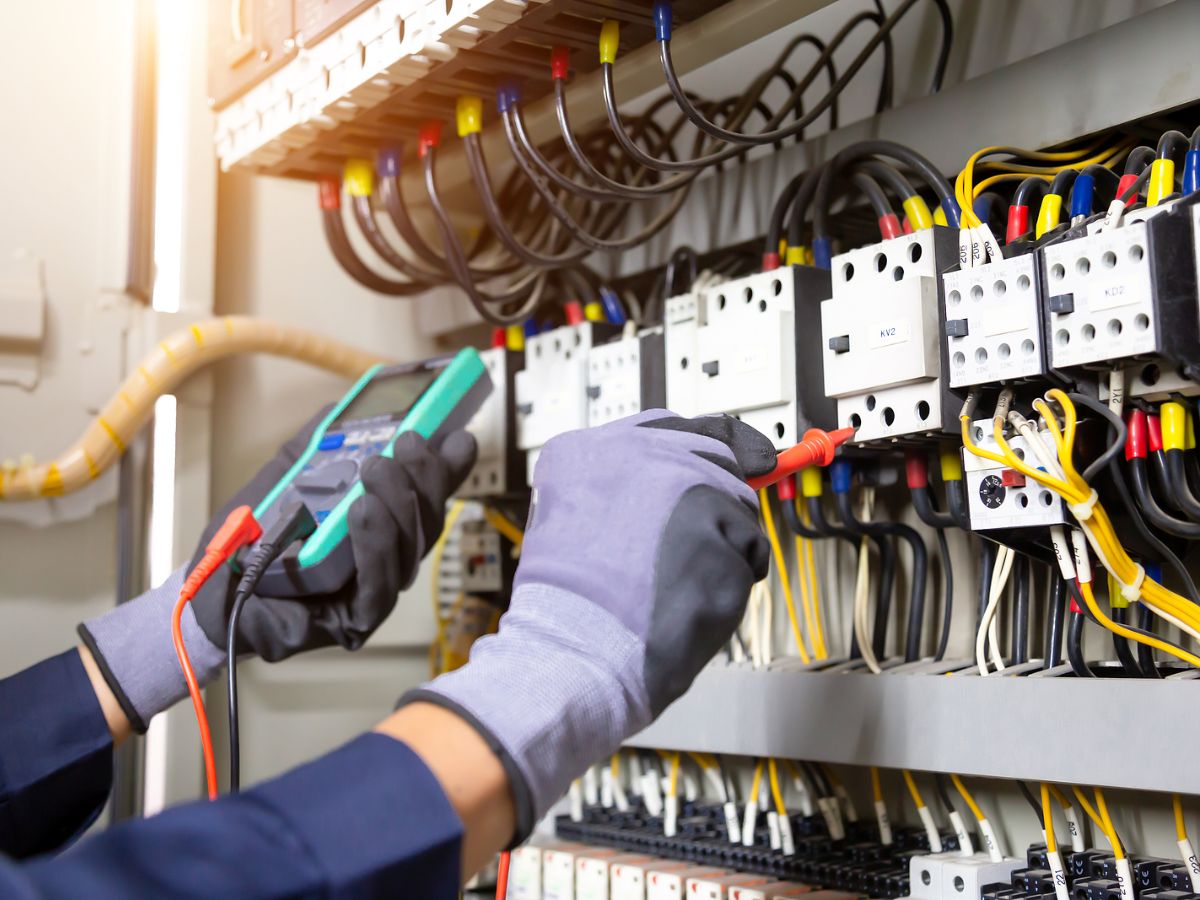
Tracking refrigerant use across a commercial HVAC fleet gives you a clearer record of what your technicians add, recover, replace, and service at each piece of equipment. For HVAC contractors managing many field technicians, refrigerant tracking becomes harder when information lives in paper tickets, technician notes, spreadsheets, and separate customer files.
A consistent process connects refrigerant activity to the equipment, property, work order, and technician involved. That gives your service department a usable history instead of forcing someone in the office to reconstruct records later.
Start Refrigerant Tracking At The Equipment Level
A refrigerant tracking log becomes more useful when you connect each entry to a specific HVAC asset. Recording refrigerant against the customer account alone can create confusion when a commercial property has multiple rooftop units, split systems, chillers, or other equipment.
Your equipment record should provide enough context for a technician or service manager to understand exactly which system received service.
Standardize What Technicians Record On Every Service Call
Refrigerant management becomes inconsistent when every technician documents work differently. One technician may record the amount added, while another writes only that the system was “low on charge.” Those differences become difficult to manage when you oversee dozens of technicians and hundreds or thousands of assets.
Create the same required documentation process for every applicable service call. Your technicians should record quantities and service details while they’re still at the jobsite rather than relying on memory at the end of the day.
Connect Refrigerant Use To Digital Work Orders
Digital work orders give you a practical place to capture refrigerant activity as part of the service record. Dataforma’s HVAC management software lets commercial HVAC contractors manage work orders, equipment service history, field documentation, and technician updates within a connected platform.
When your technician completes a refrigerant-related service call, the work order can preserve the information alongside the rest of the job documentation. Office personnel can then review the record without tracking down a paper ticket or calling the technician for details.
- Equipment Serviced
- Work Performed
- Technician Responsible For The Service
- Date And Location Of The Work
- Notes About Leaks, Repairs, Or Follow-Up Service
Build A Refrigerant History For Every HVAC Asset
A single refrigerant entry tells you what happened during one visit. A complete equipment history shows you what has happened over months or years.
Repeated refrigerant additions can reveal a service pattern that deserves attention. Your team can review earlier work orders, quantities, technician notes, repairs, and inspections before returning to the property. Dataforma maintains service and customer history within the same HVAC software environment, giving field and office teams access to prior job information.
That history can also improve communication with customers when they ask how frequently a particular unit has required refrigerant service.
Give Technicians Access To Records In The Field
Refrigerant tracking works better when technicians can see existing equipment information before they begin service. A technician who knows what refrigerant the system uses, what work your company completed previously, and whether the unit has a recurring issue can make better-informed decisions at the jobsite.
Dataforma’s mobile tools give technicians access to work orders, job details, customer information, photos, and updates from the field. Your technician can document the current visit while the office receives the information without waiting for paperwork to return.
Better Records Support Regulatory Compliance
Regulatory compliance can require HVAC contractors to maintain accurate information about certain refrigerant-related activities. The exact requirements depend on the equipment, refrigerant, work performed, and applicable regulations, so your company should establish documentation procedures that reflect its compliance obligations.
HVAC software can support that process by making service documentation easier to collect and retrieve. It doesn’t replace your company’s responsibility to understand applicable requirements, but a centralized record makes it easier to locate the work orders and equipment history you already document.
Eliminate Disconnected Refrigerant Tracking Logs
A separate refrigerant tracking log may solve one documentation problem while creating another. Your technicians still need to complete the work order, record labor, update equipment history, and communicate with the office. Re-entering refrigerant information into another system adds another opportunity for missing or inconsistent data.
Dataforma connects commercial HVAC work orders, service history, scheduling, field updates, customer information, and other service operations within one cloud-based platform. Keeping refrigerant documentation connected to that workflow gives your team a more complete record of each service event.
Make Refrigerant Tracking Part Of Your HVAC Workflow
Effective refrigerant tracking depends on consistent field documentation and easy access to equipment history. When your technicians record refrigerant activity as part of each work order, you can maintain cleaner records across customers, equipment, and service locations without relying on disconnected paperwork.
Dataforma provides HVAC management software built for commercial contractors managing active field service teams. Request a demo to see how Dataforma can help your company organize work orders, equipment history, technician documentation, and other HVAC service operations.