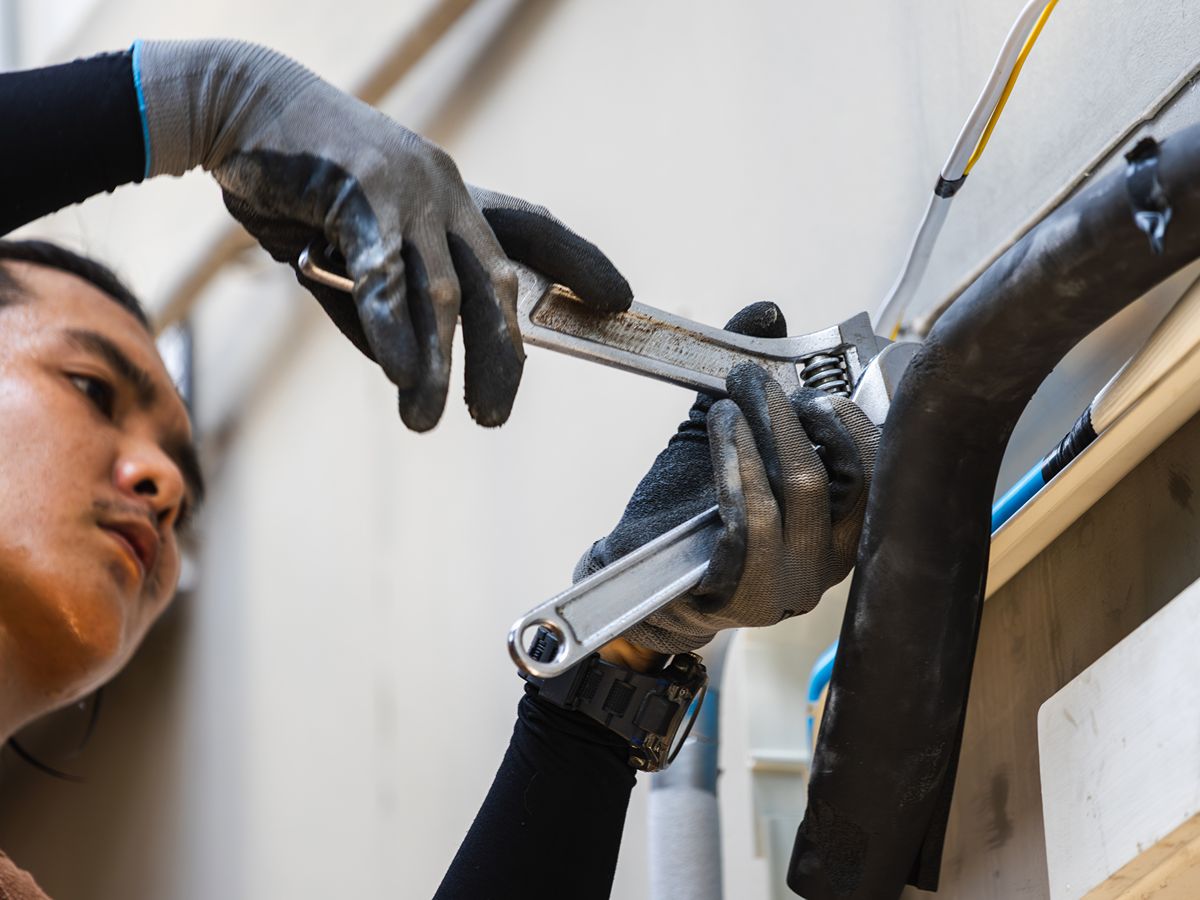
A construction daily report creates a dated record of what happened on a jobsite during each workday. Commercial contractors nationwide, from Los Angeles to New York City, use these reports to document progress, labor, site conditions, delays, and other events that can affect the project.
Start With Basic Project & Report Details
Every report should identify the project and the person who completed the entry. Consistent identifying information keeps daily reports organized when your company manages several active jobs or operates multiple crews.
Record the date, project name, job number, location, and reporting period. You should also identify the superintendent, foreman, or technician who prepared the contractor daily log. If your company uses shifts, include the applicable shift and the time the report covers.
Document Labor & Crew Activity
Your construction daily report should show who worked on the project and how the crew used its time. You don’t need a minute-by-minute account, but the report should provide enough detail to connect labor with completed work.
Consistent labor records help you compare estimated hours with field performance. They can also explain why progress slowed when a crew lacked access, waited for materials, or worked around another trade.
- Company Crew Sizes & Hours
- Subcontractors Onsite
- Work Areas & Assignments
- Overtime Or Shift Changes
- Visitors & Inspectors
- Unplanned Staffing Changes
Describe Work Completed & Current Progress
A statement such as “continued installation” provides little useful information. Describe what your team completed, where it worked, and how the activity relates to the project schedule.
Use measurable details whenever the work supports them. You might record the number of units installed, square footage completed, equipment started, or rooms inspected. If the team began but didn’t finish an activity, document its status at the end of the shift.
Record Weather & Jobsite Conditions
Weather can affect access, productivity, material performance, and worker safety. Jobsite documentation should identify conditions that restricted or changed the planned work:
- Rain Or Standing Water
- High Winds
- Extreme Heat Or Cold
- Limited Site Access
- Poor Lighting
- Occupied Work Areas
- Unsafe Or Unfinished Surfaces
- Utility Interruptions
Track Equipment, Materials & Deliveries
Daily field reports should document major equipment used and important materials delivered to the site. These details help explain production levels and provide a record when delivery delays or equipment problems affect the schedule.
Record whether rented or company-owned equipment remained active, idle, damaged, or unavailable. For deliveries, identify the material, approximate quantity, delivery time, and any visible shortage or damage.
Explain Delays Without Assigning Blame
A daily construction report should state what delayed the work, when the delay began, and which activities it affected. Objective documentation provides more value than emotional commentary or unsupported blame.
If your crew waited for another trade, identify the unavailable work area and the scheduled activity. If your team lacked approved drawings or customer direction, note the information requested and when you requested it.
- Delayed Material Delivery
- Incomplete Preceding Work
- Restricted Site Access
- Missing Approval Or Information
- Equipment Breakdown
- Weather Interruption
- Customer-Directed Work Stoppage
- Failed Inspection
Capture Changes & Field Instructions
Projects often change faster than the formal paperwork. Your report should document verbal directions, revised access instructions, requested additional work, and other decisions communicated in the field.
Identify who provided the instruction, when the conversation occurred, and which work it affected. Don’t treat the daily report as authorization for a change order. Instead, use it to create a contemporaneous record that supports the formal review and approval process.
Record Safety Events & Incidents Carefully
Include routine safety information that affected the day, such as meetings, inspections, access restrictions, or corrected hazards. Keep the language factual and avoid conclusions that you cannot support.
If an injury, property damage event, near miss, or other serious occurrence happens, note that the event occurred and follow your company’s incident reporting procedure. A contractor daily log does not replace required incident reports, safety forms, or notifications.
Add Photos That Provide Context
Photos strengthen jobsite documentation when they show progress, existing conditions, concealed work, delivery issues, or changes that may become difficult to verify later. Each image should relate to a specific report entry.
A folder of unlabeled photos creates another search problem. Add a description, location, date, and connection to the documented activity. Take wide views for context and closer images when you need to show a particular detail.
Complete Reports From The Field
Daily reports lose accuracy when crews wait until the end of the week to complete them. Details disappear, photos become harder to match with events, and similar workdays blend together.
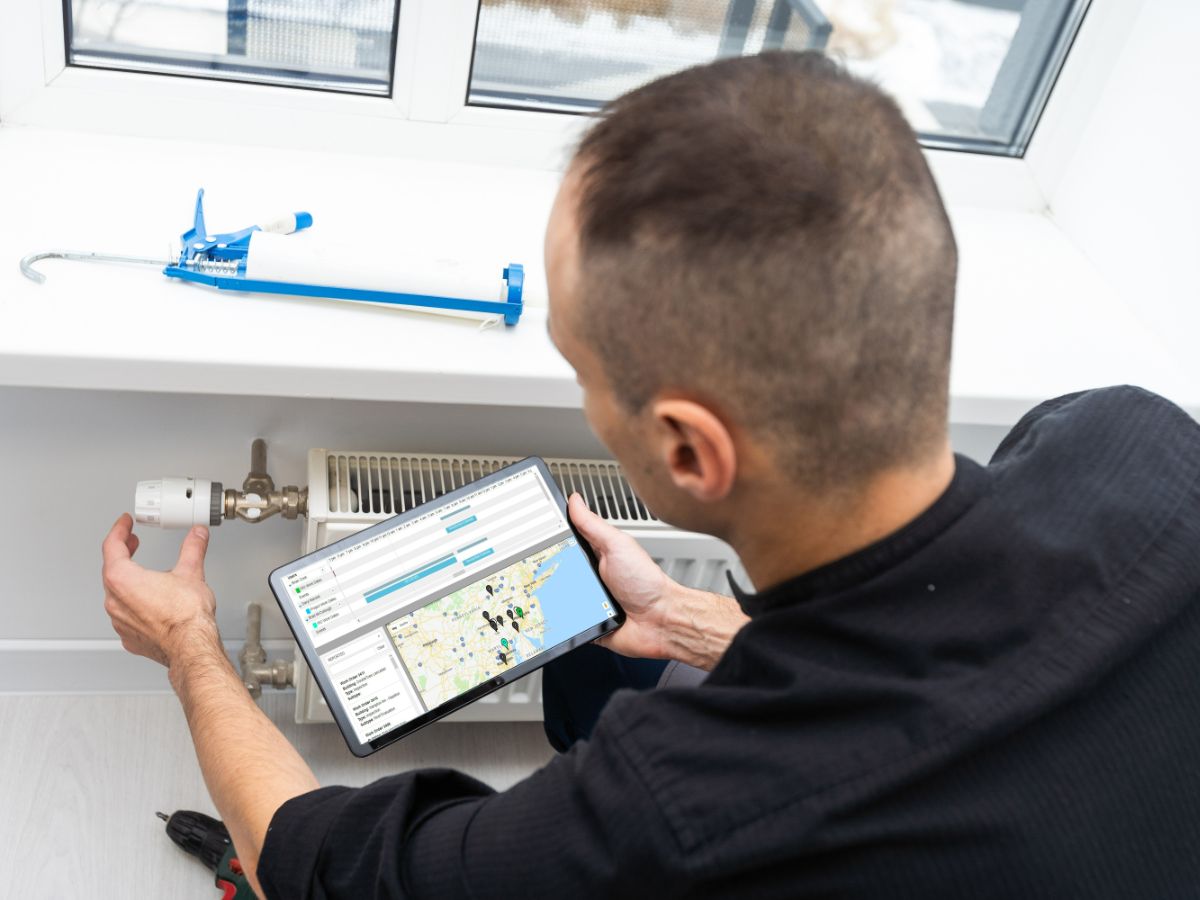
Construction project management software allows field personnel to enter information from a phone or tablet while they remain close to the work. If your company refers to the process as CDR reporting, the same principle applies: complete each report promptly and connect it to the correct project.
Create Better Daily Field Reports With Dataforma
Dataforma allows your field team to upload daily reports, photos, work descriptions, safety information, and change-order details through its mobile app. The reports connect with your project and work-order records, giving the office faster access to current jobsite documentation.
Request a demo to see how Dataforma can simplify daily field reporting across your commercial operations.